
Edit your reality
Beehive transforms camera video frame-by-frame with natural language. Transform garments, scenes, styles, and lighting live at 18 fps, about 2.7 seconds from camera on to the first edited frame.
Built for
Prompt-driven live transformation matrix
Three looks Beehive is built for. The pictures are concept illustrations; try each look on yourself in the live studio.
 CAMERA · ILLUSTRATION

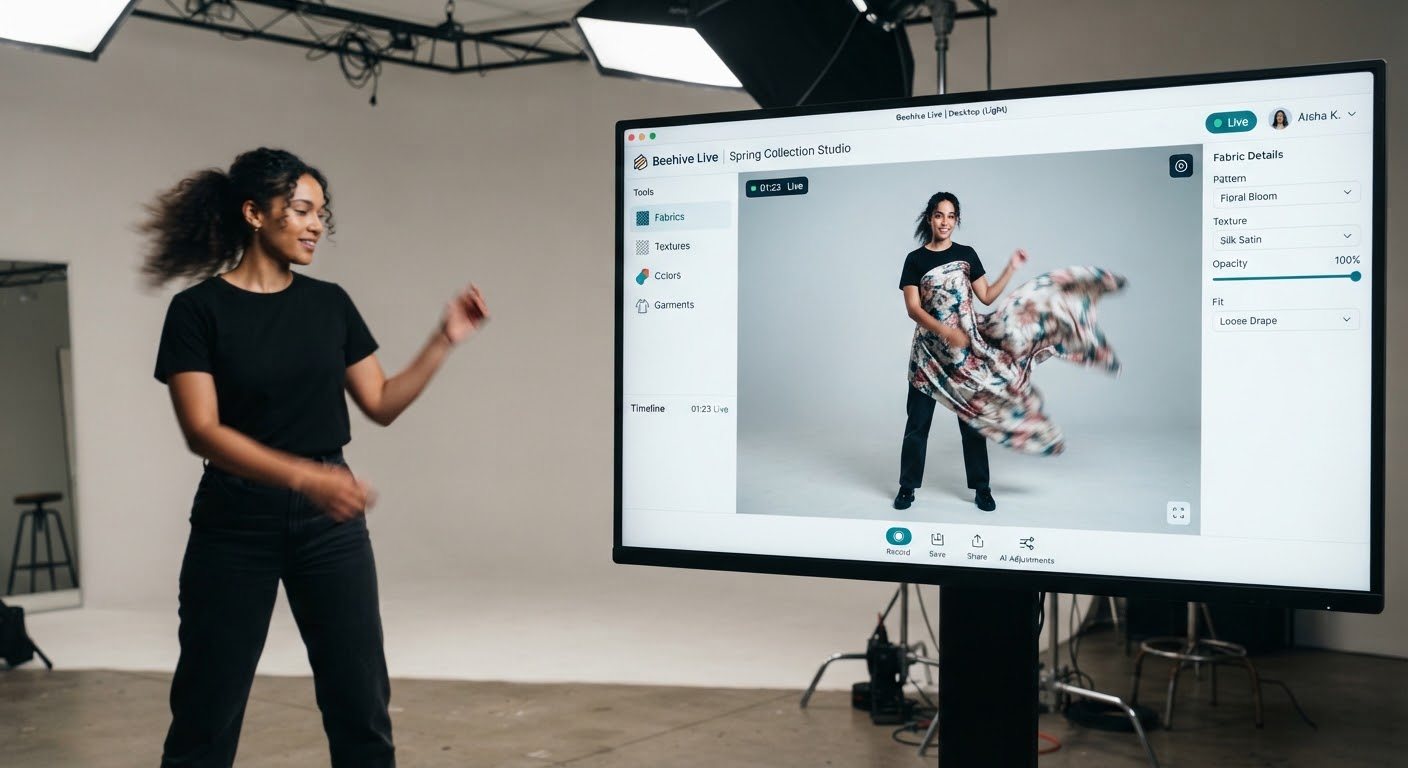
Instant garment warp
Adapts fabric drapery, stretch, and light reflectance to body motion without tracking markers or pre-calibration.
 CAMERA · ILLUSTRATION
Live facial & body tracking VFX
Glowing visors and props that stay on the face as the head turns.
 CAMERA · ILLUSTRATION
Live color grading & relighting
Simulates dynamic studio lighting patterns, cast shadows, and film stock grain onto the live video feed.
One stack powers every layer of live AI
Beehive edits live video with prompts, our serving stack streams it back in real time, and the store embed puts it in front of shoppers.
Edit what the camera sees as it streams with natural language prompts. Put on a garment from its product photo, change the scene, the art style or the whole character, while the person keeps moving. Nothing is pre-rendered.
One script tag adds a Try-On button to every product photo. Shoppers open a live panel beside the listing and see the item on themselves. The Chrome extension does the same on any retailer’s site for demos.
 NEW
Try it on, live
Pick a jacket, a dress or a pair of glasses and see it on yourself in the camera, moving with you. On a live stream, the host changes outfits on air while viewers watch.
Live shopping
Outfits change on air
A host picks the next look from the product rail and wears it on the stream seconds later, without leaving the frame.
At home
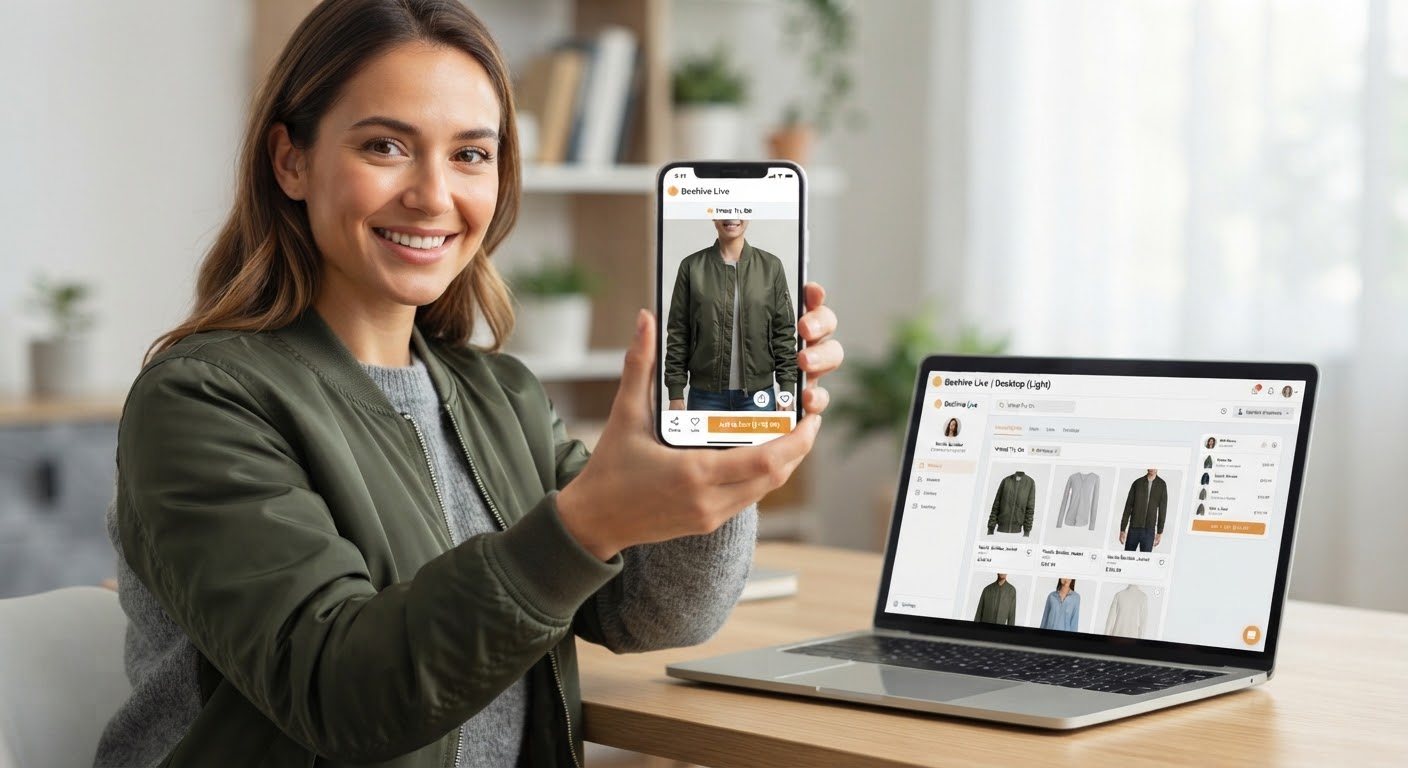
The fitting room is your camera
A shopper taps through jackets and sees each one on himself as he moves, then decides which to buy.
What live AI unlocks
What becomes possible when natural language prompts restyle video while it is still being filmed.
A live try-on mirror on every product page
Shoppers see the shirt on themselves next to the listing they were already reading, then decide.
From the lab · Origin Labs
Notes, launches and what we are building next.
Live video at 18 fps on one GPU
Chunked causal generation, a bounded attention window and two-step sampling, explained.
The live studio, in any browser
Commerce, Art and Creator modes with garments, styles, scenes and characters.
Try-On in one line of code
A 30-second live try-on panel that any store can add beside its product photos.
Our own retrained model
Beehive-1 trained on our try-on data, then a smaller Lite model for 24 fps and lower cost.
Bring live AI into your store.
Run Beehive in the demo studio, add Try-On to a store with one line, or talk to us about a pilot on your catalogue.